
How to get started
Follow these simple steps to join your training programme and start chatting with your AI coach.
Step-by-step guide
Open the Register page
Go to the Register page to create your account. Scanning your trainer's cohort QR code or opening their invite link also opens Register — that's a fine way to start. You can use any modern browser on your phone, tablet, or computer. If you already have an account, use Login instead.
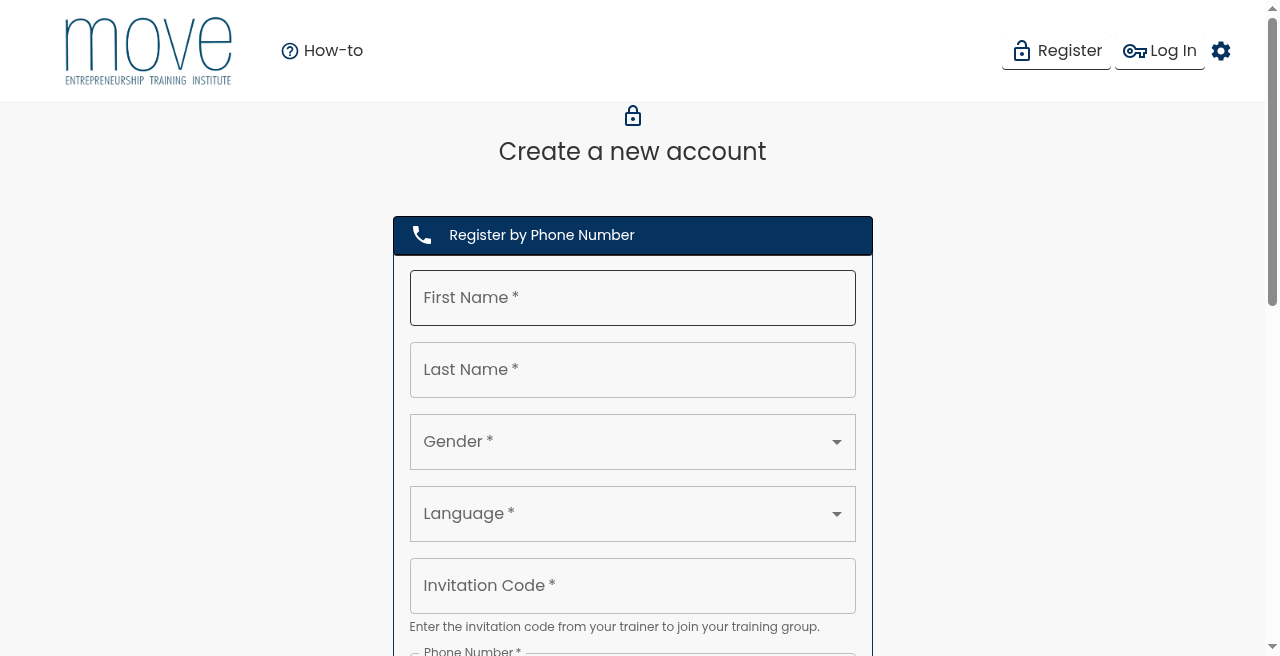
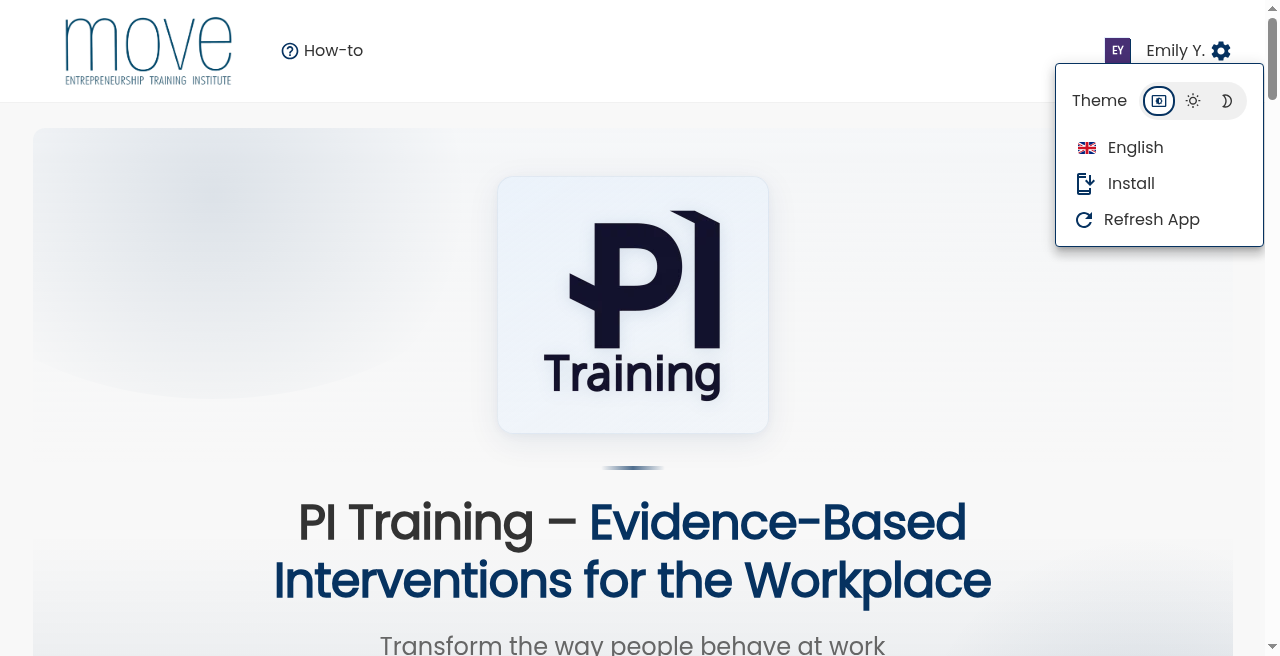
Set the website language
Tap the settings (gear) icon in the top corner, then choose your language — English, العربية, Deutsch, or Français. Menus and buttons update right away. You can change this any time from the same menu.
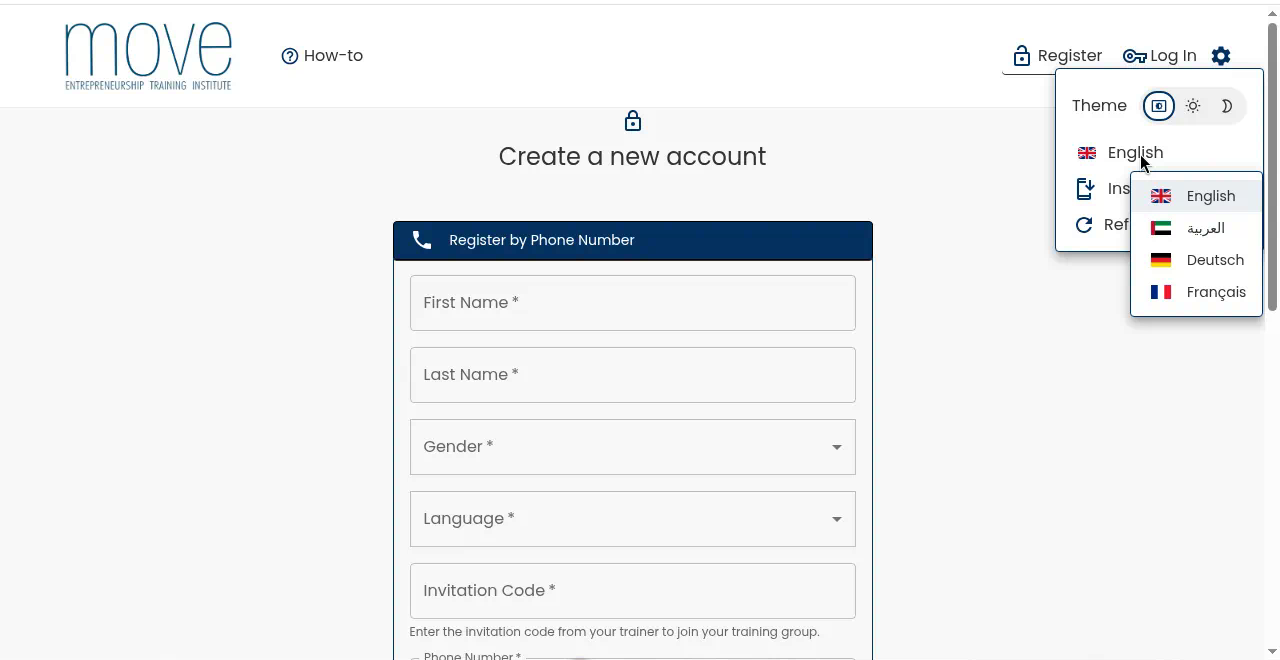
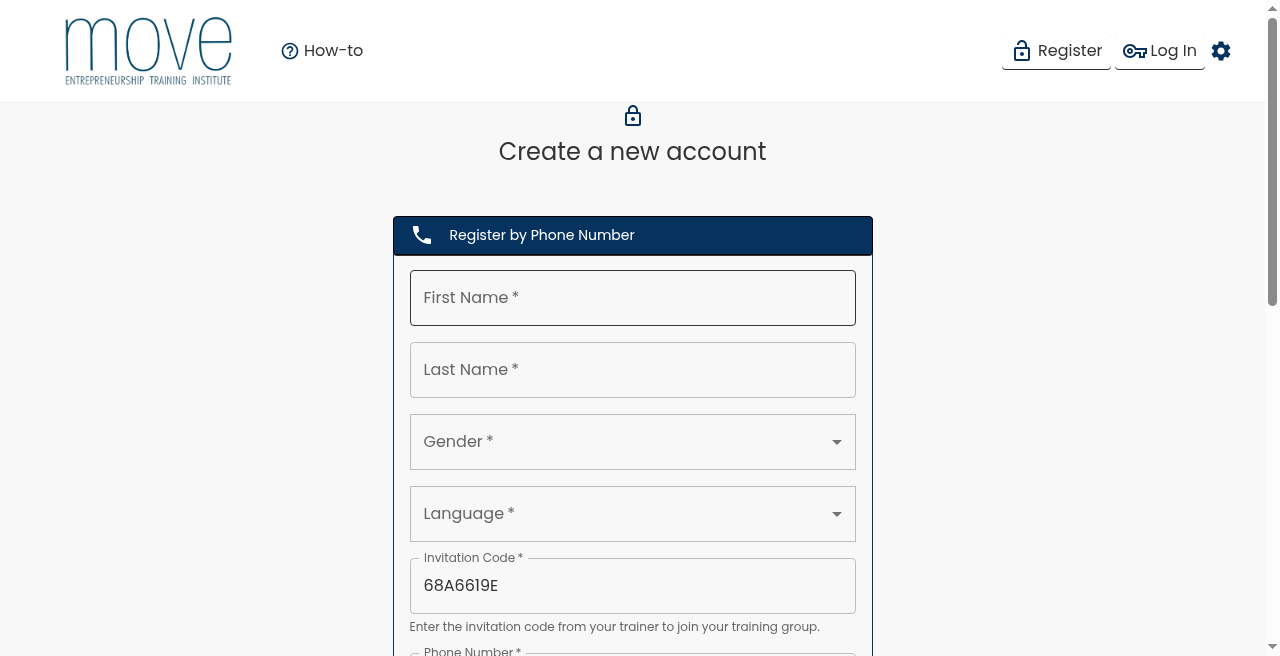
Choose your language on the form
On the registration form, select the language you want for your AI coach and account. This is separate from the website language in settings — set both to the same language or different ones. You can change your account language later in your profile.
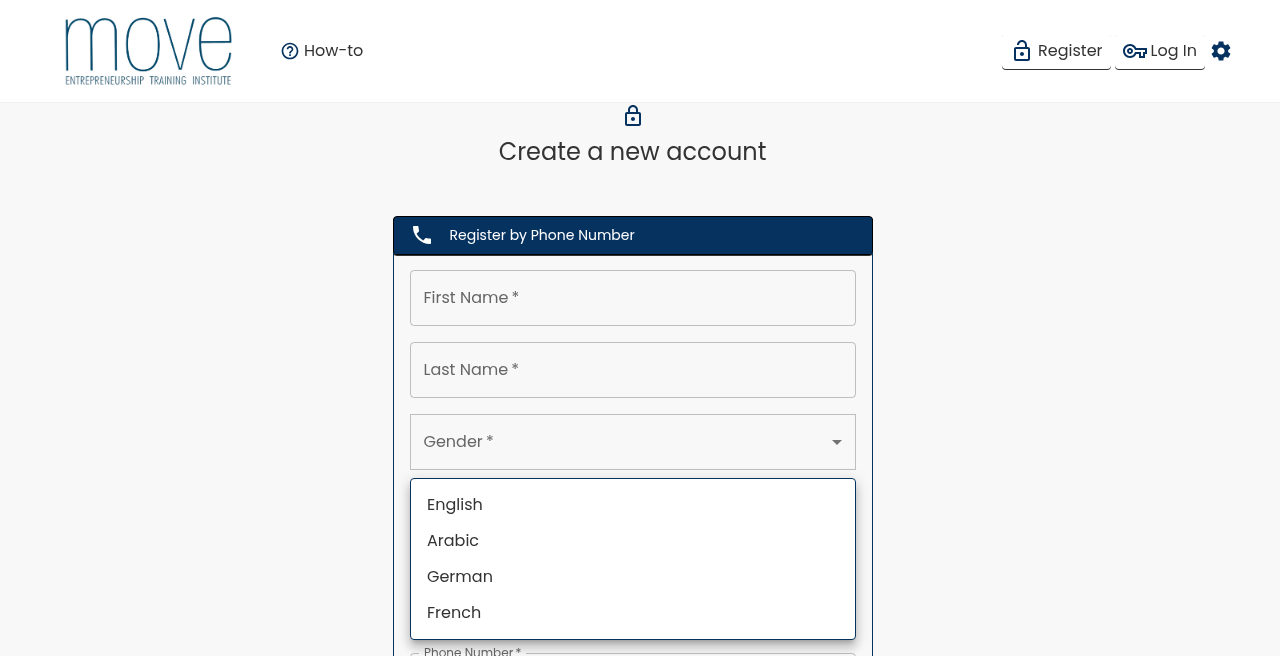
Enter your name
Type your first and last name. This helps your trainer recognise you in the programme.
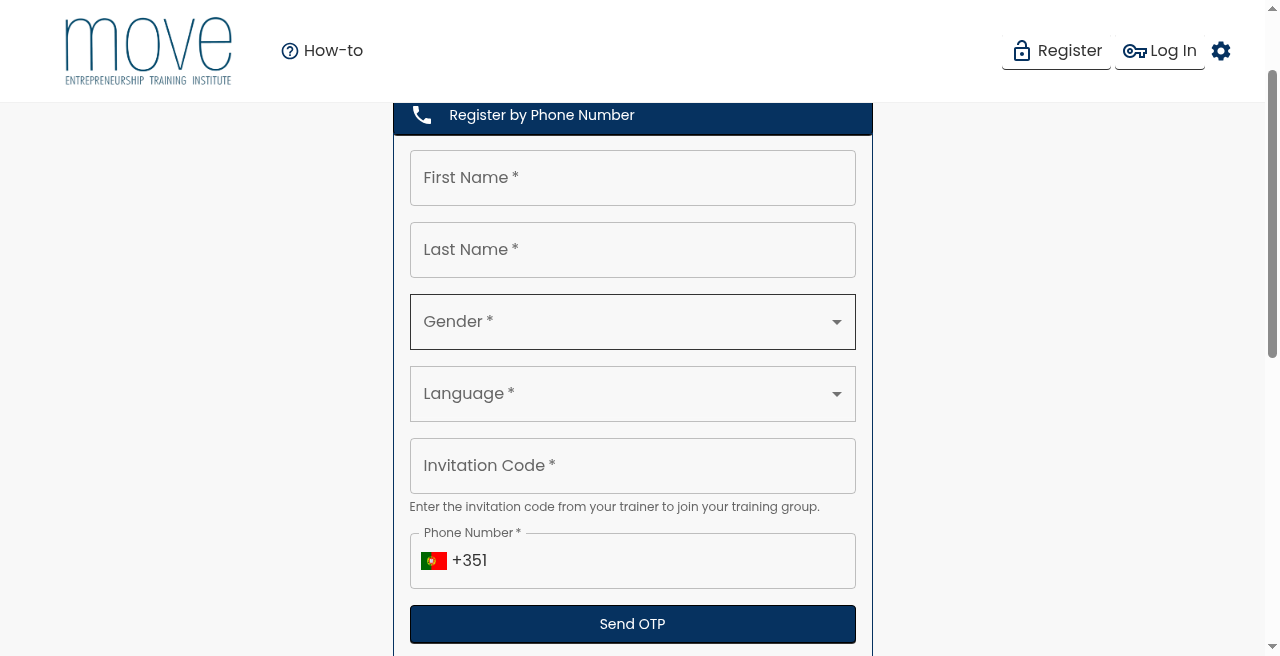
Enter your invitation code or scan a QR code
If you followed your trainer's invite link or scanned their QR code, the invitation code should already be prefilled. Only type it in manually if the field is empty. This connects you to the right training group.
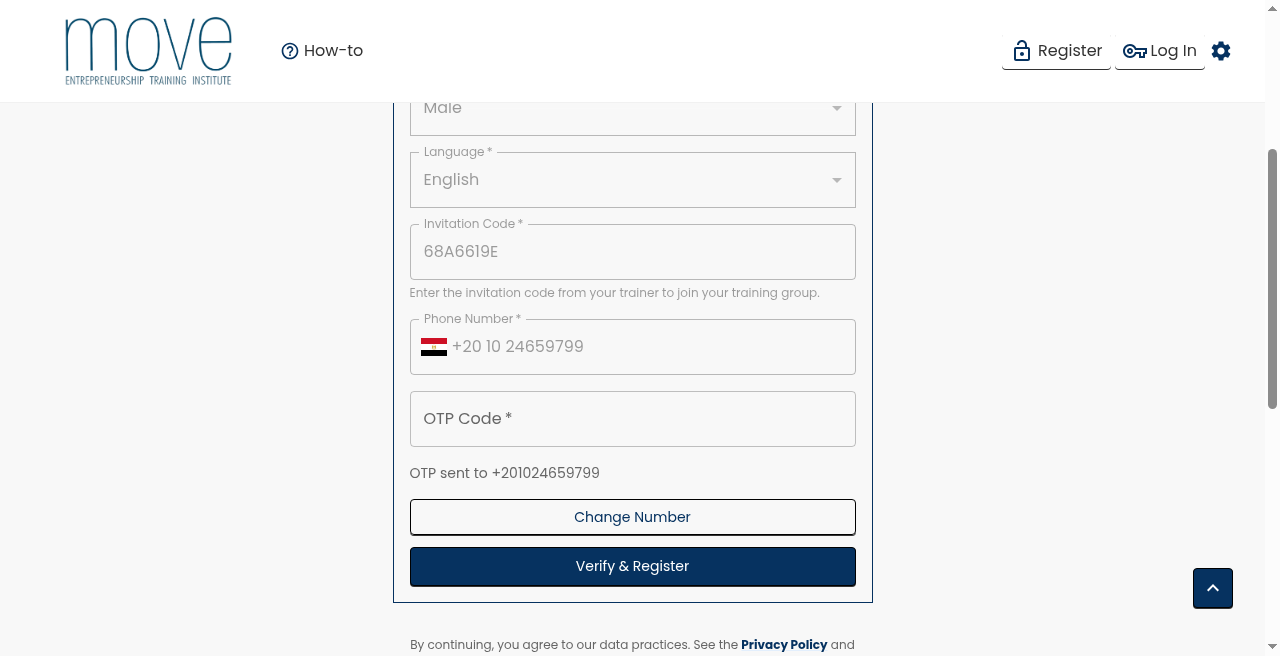
Verify your phone number
Enter your mobile number and confirm the one-time code (OTP) sent by SMS. This keeps your account secure.
Install the app and turn on notifications
Open Settings (gear) → Install and follow the steps for your device. On Android you can often install in one tap; on iPhone/iPad use Add to Home Screen from the browser menu when the guide shows it. Then turn on notifications so you don't miss coaching reminders.
View your dashboard
After verification, you land on your personal dashboard. Here you can see your training progress and access your materials.
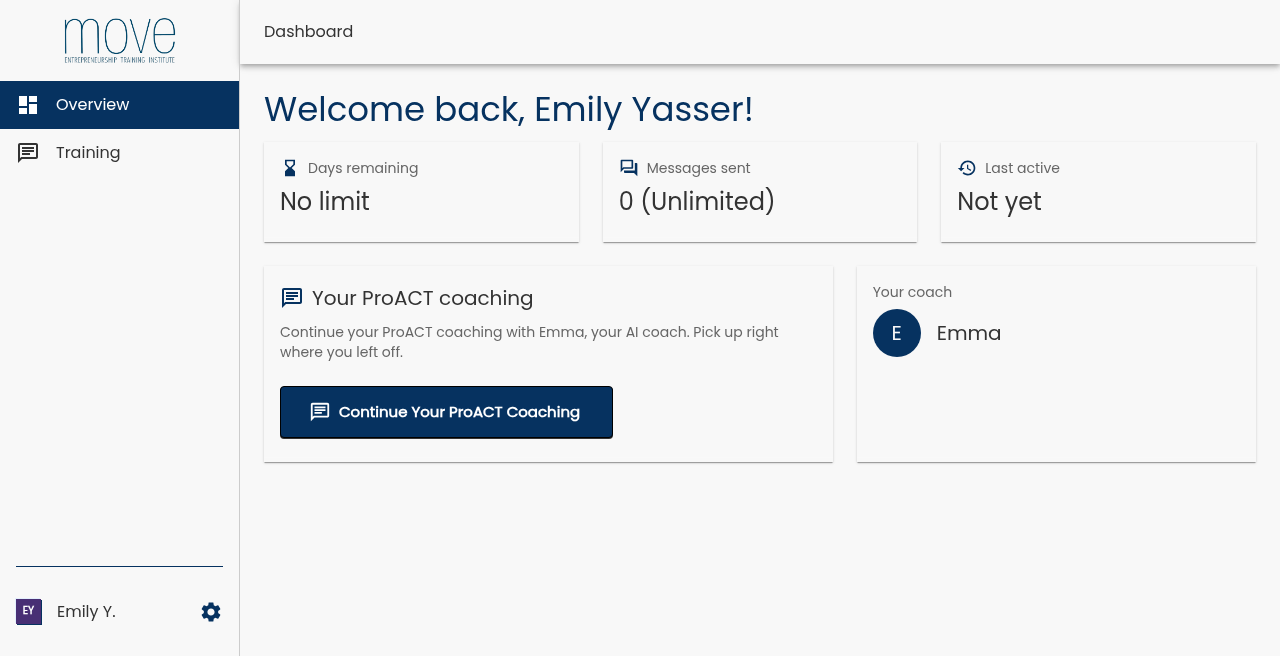
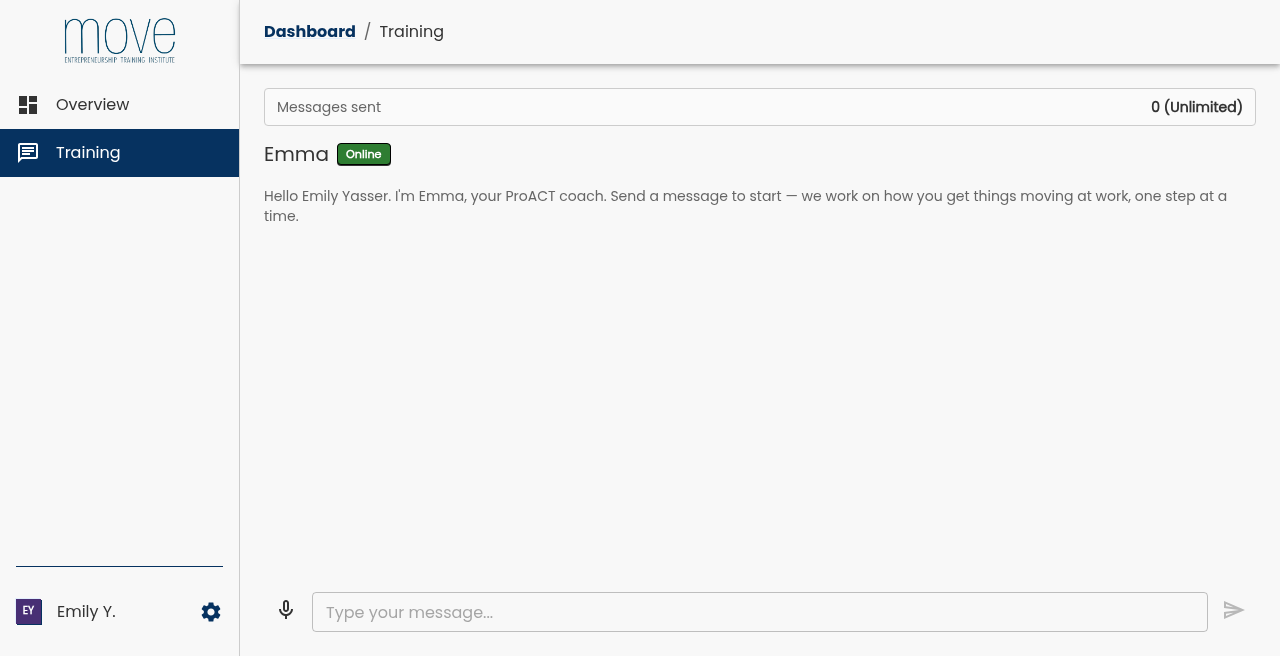
Open the AI coach chat
Tap Chat to open your AI coach. The coach will guide you through reflective questions, one at a time, at your own pace.
What to expect
Your AI coach is here to support your personal development through guided reflection — not to judge or evaluate you.
- The coach asks thoughtful, reflective questions about your goals and experiences at work.
- You receive one question at a time, so you can focus and respond at your own pace.
- Sessions are private and designed for self-reflection and personal growth.
- This is not HR screening, therapy, or crisis counselling. If you need urgent help, please contact local emergency services or a qualified professional.
Frequently asked questions
Quick answers for participants getting started.
Contact your trainer or programme administrator. They can resend your invitation code or share the QR code again.
Yes. After logging in, go to your profile settings and select a different language. The interface and coach will update accordingly.
Check that your phone number is correct, wait a minute, and try again. Make sure you have a mobile signal. If it still does not arrive, contact your trainer or administrator for help.
Reach out to your trainer or programme administrator. They manage your cohort and can help with access, codes, and technical issues.
No. The AI coach is a reflective guide for personal development. It is not therapy, medical advice, HR evaluation, or crisis support.
MOVE-ETI provides evidence-based psychological interventions to transform the way people behave at work.
Our interventions—including STEP Training, PI Training, and ProACT Training—are grounded in research and have shown impact across countries and target groups. Turning intentions into action.
PI Training supports economic development by helping individuals and organizations build proactive, goal-oriented behavior at work.
Copyright © MOVE-ETI 2026